Skip to content
BYD OWNERS FORUM
Sign In
  • NAVIGATION
  • Home
  • Categories
  • Popular
  • BYD MODELS & TECH
  • BYD Pickup Trucks & 4x4 BYD Pickup Trucks & 4x4 Off-Road (Shark 6, Denza B5 & Bao Series)
  • BYD Mid-to-Large SUVs BYD Mid-to-Large SUVs (Sealion 6, Seal U DM-i, Sealion 7 & Tang)
  • BYD Compact SUVs & Hatch BYD Compact SUVs & Hatchbacks (Atto 3, Atto 2, Dolphin & Dolphin Mini)
  • BYD Sedans & MPVs BYD Sedans, MPVs & Luxury (Seal, Seal 06 GT, Han, eMax 7 & Denza)
  • Battery, Wallbox & V2L Blade Battery, Home Wallbox Charging & V2L Power
  • DiLink OS, CarPlay & OTA DiLink OS, Apple CarPlay, Android Auto & OTA Updates
  • Maintenance & DIY Fixes Troubleshooting, OBD2 Fault Codes, Maintenance & DIY Repairs
  • Pricing, Finance & Warranty Pricing, Insurance, Finance, Leasing & BYD Warranty
  • Owners Lounge & Road Trips Owners Lounge, Showroom Delivery Photos, Road Trips & V2L Camping
  • BYD News & Future Tech BYD News, Upcoming Models, Blade Battery 2.0 & Future Tech
  • Privacy & Terms
    © 2026 BYD Owners Forum
Skins
  • Light
  • Dark

  • Light
  • Dark
Collapse
  1. Home
  2. Categories
  3. DiLink OS, CarPlay & OTA
  4. Three-Finger Touchpad Gestures on DiLink Screen: Adjust Temperature & Fan Speed Without Leaving CarPlay!

Three-Finger Touchpad Gestures on DiLink Screen: Adjust Temperature & Fan Speed Without Leaving CarPlay!

Scheduled Pinned Locked Moved DiLink OS, CarPlay & OTA
4 Posts 0 Posters 1.4k Views
  • Oldest to Newest
  • Newest to Oldest
  • Most Votes
Reply
  • Reply as topic
Log in to reply
This topic has been deleted. Only users with topic management privileges can see it.
  • Lucas_SA_EVL
    Lucas_SA_EVL
    Lucas_SA_EV
    wrote on last edited by
    #1

    One of the best hidden ergonomics features on all BYD DiLink screens (Atto 3, Dolphin, Seal, Sealion 6/7, Shark 6) is 3-Finger Multi-Touch Climate Gestures, which work even while you are inside full-screen Apple CarPlay or Android Auto:
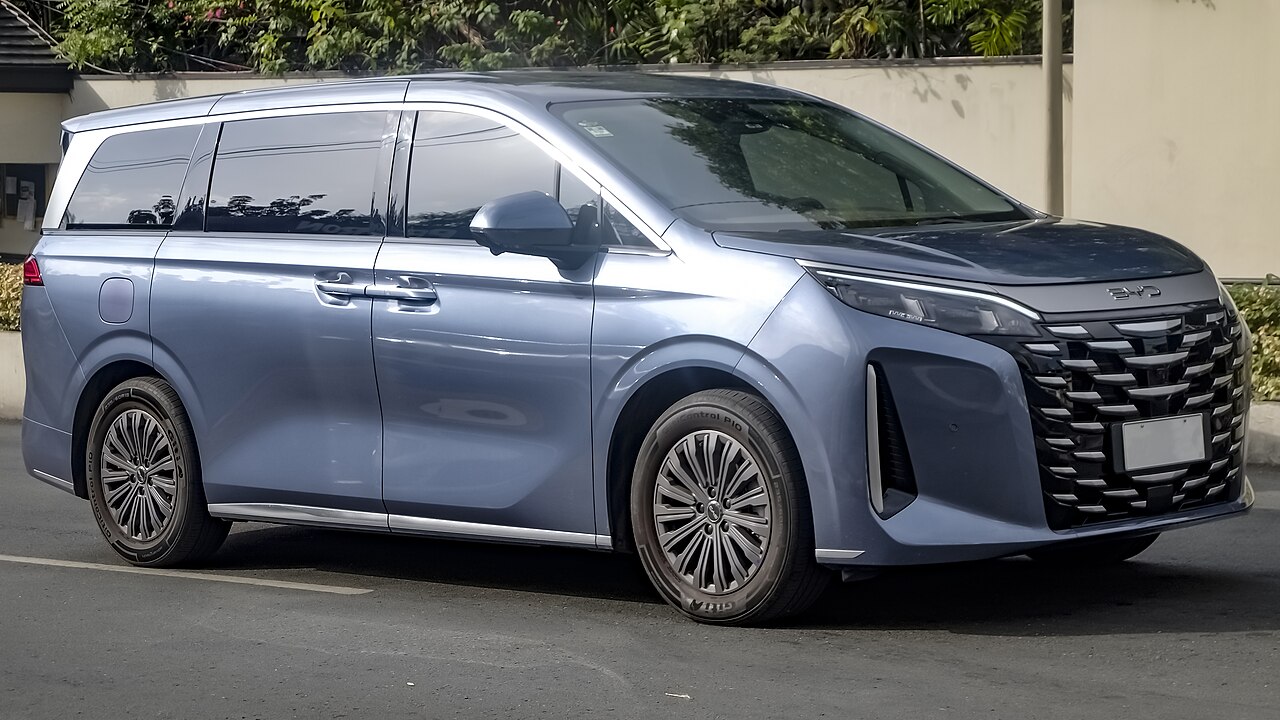
    Three-Finger Touchpad Gestures on DiLink Screen: Adjust Temperature & Fan Speed Without Leaving CarPlay!

    On-Road Impressions, Efficiency & Setup Details

    1. 3 Fingers Swipe UP / DOWN anywhere on the screen: Raises or lowers cabin A/C Temperature by 1°C per swipe.
    2. 3 Fingers Swipe LEFT / RIGHT anywhere on the screen: Raises or lowers HVAC Fan Speed (Levels 1 to 7).

    2023 BYD Atto 3 Extended Range — e-Platform 3.0 (Adelaide, SA)

    1 Reply Last reply
    8
    • Lucas_SA_EVL Lucas_SA_EV

      One of the best hidden ergonomics features on all BYD DiLink screens (Atto 3, Dolphin, Seal, Sealion 6/7, Shark 6) is 3-Finger Multi-Touch Climate Gestures, which work even while you are inside full-screen Apple CarPlay or Android Auto:

      Three-Finger Touchpad Gestures on DiLink Screen: Adjust Temperature & Fan Speed Without Leaving CarPlay!

      On-Road Impressions, Efficiency & Setup Details

      1. 3 Fingers Swipe UP / DOWN anywhere on the screen: Raises or lowers cabin A/C Temperature by 1°C per swipe.
      2. 3 Fingers Swipe LEFT / RIGHT anywhere on the screen: Raises or lowers HVAC Fan Speed (Levels 1 to 7).
      Chloe_W_BladeC
      Chloe_W_BladeC
      Chloe_W_Blade
      wrote on last edited by
      #2

      Been driving my Atto 3 for 6 months and never knew 3-finger swipe worked RIGHT INSIDE full-screen Apple CarPlay! Just tested it and it works instantly.

      2023 BYD Atto 3 Extended Range (60.5 kWh) — 7kW Solar Wallbox • Gold Coast, QLD

      1 Reply Last reply
      1
      • Chloe_W_BladeC Chloe_W_Blade

        Been driving my Atto 3 for 6 months and never knew 3-finger swipe worked RIGHT INSIDE full-screen Apple CarPlay! Just tested it and it works instantly.

        Hannah_Z9GTH
        Hannah_Z9GTH
        Hannah_Z9GT
        wrote on last edited by
        #3

        @Chloe_W_Blade Way safer than hunting for tiny on-screen buttons while driving on the motorway—you don't even have to look at the screen to swipe 3 fingers down.

        2023 BYD Han EV Executive Sedan — Blade Battery 85.4 kWh • London, UK

        1 Reply Last reply
        4
        • Hannah_Z9GTH Hannah_Z9GT

          @Chloe_W_Blade Way safer than hunting for tiny on-screen buttons while driving on the motorway—you don't even have to look at the screen to swipe 3 fingers down.

          RubyStewartR
          RubyStewartR
          RubyStewart
          wrote on last edited by
          #4

          @Hannah_Z9GT Also remember: pressing down the Centre Console Volume Roller mutes audio, and holding it down for 5 seconds soft-reboots DiLink!

          2023 BYD Tang EV 7-Seater AWD — Family Touring • Sydney, NSW

          1 Reply Last reply
          1

          Hello! It looks like you're interested in this conversation, but you don't have an account yet.

          Getting fed up of having to scroll through the same posts each visit? When you register for an account, you'll always come back to exactly where you were before, and choose to be notified of new replies (either via email, or push notification). You'll also be able to save bookmarks and upvote posts to show your appreciation to other community members.

          With your input, this post could be even better 💗

          Register Login
          Reply
          • Reply as topic
          Log in to reply
          • Oldest to Newest
          • Newest to Oldest
          • Most Votes


          • First post
            Last post
          0
          • Home
          • Categories
          • Popular